
run `npm audit fix` to fix them, or `npm audit` for details 报错解决
1.出现 run npm audit fix to fix them, or npm audit for details
基本上是npm 版本太高了 npm -v 可以查看版本,
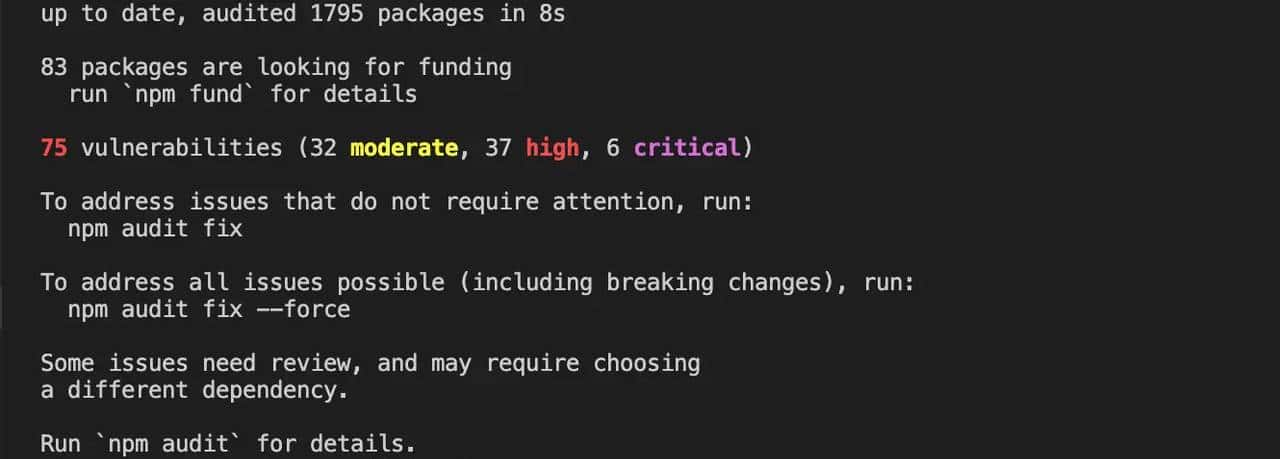
删除node_modules文件 和 package-lock.json
然后运行 npm install –no-fund –no-audit
2.然后出现Module build failed: Error: Node Sass version 6.0.0 is incompatible with ^4.0.0.

是node-sass版本过高,需要卸载重装低版本
1、卸载: npm uninstall node-sass
2、安装: npm install node-sass@4.14.1
3、运行:npm run dev
解决。
© 版权声明
文章版权归作者所有,未经允许请勿转载。
相关文章


暂无评论...